



In breve
Il miglior strumento di integrazione eBay gestisce le peculiarità di eBay: inserzioni con varianti, politiche commerciali, ripubblicazione Good 'Til Cancelled e compatibilità Motors per i venditori di ricambi, il tutto mantenendo l'accuratezza delle scorte. Salestio è leader con la sincronizzazione bidirezionale nativa del negozio su 22 marketplace eBay, il supporto della compatibilità eBay Motors e gli ordini importati nell'amministrazione del tuo negozio, su piani basati sugli ordini pubblicati a partire da $29/mese. M2E Cloud ha una profonda eredità eBay e un livello gratuito. CedCommerce offre un modulo eBay dedicato con un abbonamento separato. LitCommerce è un'opzione economica per cataloghi più piccoli. inkFrog, uno strumento di inserzione eBay di lunga data, ha chiuso il 1° giugno 2026 ed è elencato per ultimo solo come riferimento; gli ex venditori inkFrog dovrebbero migrare a uno strumento supportato.
Le 5 migliori app di integrazione marketplace
Classificati per profondità di sincronizzazione, trasparenza dei prezzi e copertura marketplace

Salestio
9.3/10Sincronizzazione eBay bidirezionale nativa del negozio su 22 marketplace con compatibilità Motors.
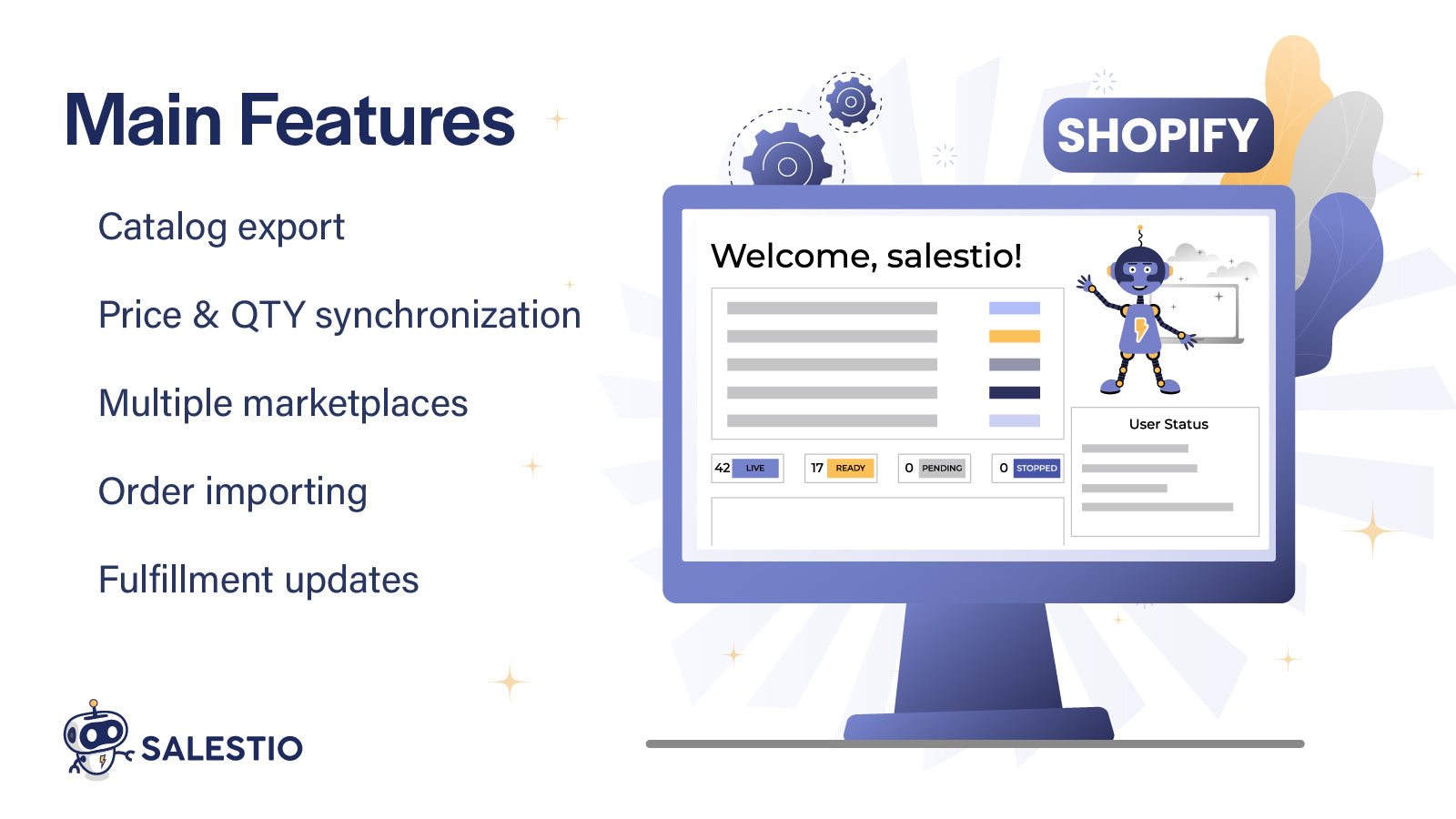
Salestio connette il tuo negozio a eBay su 22 marketplace regionali con sincronizzazione bidirezionale quasi in tempo reale di prodotti, inventario, prezzi e ordini. Supporta le inserzioni con varianti (multi-variante) di eBay, le politiche commerciali e i formati di inserzione Good 'Til Cancelled, e include i dati di compatibilità/montaggio eBay Motors per i venditori di ricambi automobilistici. Gli ordini vengono importati direttamente nell'amministrazione del tuo negozio e l'evasione degli ordini con tracciamento si sincronizza automaticamente con eBay. Le regole di prezzo per marketplace e il supporto multi-account offrono ai venditori che gestiscono diversi account eBay un controllo preciso. Funzionando all'interno di Shopify, BigCommerce, WooCommerce, PrestaShop, Shopware o Ecwid significa nessuna dashboard di inserzione separata.

M2E Cloud
8.1/10Profonda eredità eBay con regole flessibili e un livello gratuito.
M2E Cloud porta una profonda eredità eBay dalla consolidata linea M2E Pro e offre un controllo granulare sulle inserzioni eBay, incluse varianti, modelli di inserzione e regole di sincronizzazione. Il suo livello gratuito consente ai venditori di iniziare senza costi iniziali e si connette anche ad Amazon e Walmart. La flessibilità implica più configurazione rispetto alle app con opinioni predefinite, quindi i venditori che desiderano un controllo dettagliato di eBay lo apprezzeranno, mentre i nuovi arrivati potrebbero affrontare una configurazione più complessa. Per i commercianti il cui canale principale è eBay e che apprezzano la profondità delle inserzioni, è una delle opzioni dedicate più solide.
Visita M2E Cloud →
CedCommerce eBay
7.7/10Modulo eBay dedicato con strumenti per categorie e modelli.
Il connettore eBay di CedCommerce fornisce un modulo dedicato con mappatura delle categorie, modelli di inserzione e gestione in blocco su misura per la struttura di eBay, insieme all'importazione degli ordini e alla sincronizzazione dell'inventario per il canale. Come app focalizzata, offre ai venditori eBay un controllo granulare su come le inserzioni vengono create e pubblicate. I commercianti che vendono su marketplace aggiuntivi installano e gestiscono moduli CedCommerce separati, ciascuno con il proprio abbonamento, quindi l'approccio modulare favorisce la profondità specializzata rispetto alla gestione unificata cross-channel. Si adatta ai venditori che si concentrano su eBay e apprezzano il controllo delle inserzioni basato su modelli.
Visita CedCommerce eBay →
LitCommerce
7.3/10Connettore eBay economico per cataloghi più piccoli.
LitCommerce offre un percorso conveniente su eBay per i venditori più piccoli, mappando i prodotti del negozio alle inserzioni eBay e importando gli ordini nella sua dashboard. Il suo prezzo a scorrimento pubblicato parte da $29 al mese ed è costruito da un livello di inserzioni più $5 per canale, il che mantiene bassi i costi per cataloghi modesti, e si connette a più di 20 altri marketplace se si espande. La sincronizzazione è principalmente basata su feed con aggiornamenti periodici piuttosto che in tempo reale, e gli ordini risiedono nella dashboard di LitCommerce piuttosto che essere importati nativamente nel tuo negozio. Per i venditori attenti al budget con cataloghi eBay più piccoli che non necessitano di Motors fitment o di un controllo approfondito delle inserzioni, è un'opzione pratica.
Visita LitCommerce →
inkFrog
InterrottoStrumento di inserzione eBay legacy che ha chiuso il 1° giugno 2026; gli ex venditori dovrebbero migrare.
inkFrog era uno strumento consolidato per le inserzioni e i modelli eBay, ma ha chiuso il 1° giugno 2026, quindi non è più un'opzione per i venditori nuovi o esistenti, e l'abbiamo spostato in fondo a questa classifica per riflettere la sua chiusura. I commercianti che utilizzavano inkFrog dovrebbero migrare a un'integrazione attivamente mantenuta. Salestio è una destinazione naturale: offre la sincronizzazione eBay nativa del negozio su 22 marketplace con Motors fitment, inserzioni con varianti, politiche aziendali e importazione degli ordini nell'amministrazione del tuo negozio. La nostra guida dedicata alla migrazione da inkFrog accompagna gli ex venditori inkFrog nel trasferimento delle loro inserzioni e ordini.
Visita inkFrog →Tabella di Confronto delle Funzionalità
Specifiche affiancate che i veri acquirenti confrontano
| Funzionalità | Salestio | M2E Cloud | CedCommerce | LitCommerce | inkFrog |
|---|---|---|---|---|---|
| Marketplace eBay supportati | 22 marketplace | Multipli | Multipli | Multipli | eBay |
| eBay Motors Fitment | Sì | Parziale | Tramite modulo | No | Limitato |
| Inserzioni con varianti | Sì | Sì | Sì | Parziale | Sì |
| Regole commerciali | Sì | Sì | Sì | Base | Sì |
| Importazione ordini nel negozio | Sì, ordini nativi | Sì | Sì | No; nella dashboard | Sì |
| Tipo di sincronizzazione | Bidirezionale, in tempo reale | Quasi in tempo reale | Feed + ordini | Feed + ordini | Quasi in tempo reale |
| Multi-account | Sì | Sì | Per modulo | Limitato | Limitato |
| Modello di prezzi | Ordini/mese ($29 / $79 / $199 / $299, eccedenza con tetto) | Livello gratuito + a pagamento | Per app marketplace (ordini/mese all'interno di ciascuna) | Livello inserzioni + $5 per canale | Non più disponibile |
| Disponibilità | Attivo | Attivo | Attivo | Attivo | Non più disponibile (chiuso a giugno 2026) |
Come Scegliere lo Strumento Giusto
- Se vendi ricambi per auto o moto, conferma che lo strumento supporti i dati di compatibilità/montaggio di eBay Motors. Senza di essi, gli acquirenti non possono filtrare i ricambi per il loro veicolo e le inserzioni hanno prestazioni inferiori.
- Verifica il supporto per le inserzioni con varianti e le regole commerciali di eBay, in modo che i prodotti multi-variante e le tue politiche di spedizione, reso e pagamento siano mappati correttamente.
- Verifica come lo strumento gestisce le inserzioni 'Good 'Til Cancelled' e la ripubblicazione, poiché queste influiscono sulla visibilità e su come l'inventario viene mantenuto attivo su eBay.
- Decidi dove dovrebbero arrivare gli ordini eBay. L'importazione nativa nell'amministrazione del tuo negozio mantiene un unico flusso di lavoro di evasione degli ordini, mentre gli strumenti basati su dashboard implicano la gestione degli ordini eBay separatamente.
- Se gestisci più di un account eBay o diversi marketplace eBay, conferma il supporto multi-account e multi-marketplace prima di impegnarti, quindi valuta il prezzo in base al volume che effettivamente gestisci. Con circa 500 ordini marketplace al mese, Salestio Growth costa $79 e include 5 account marketplace, 10.000 prodotti e una sincronizzazione di 15 minuti; gli ordini extra sono fatturati per ordine (da $0,15 su Starter a $0,04 su Scale e Ultimate) e con un tetto di eccedenza, quindi il caso peggiore per Growth è $199. I prezzi per app marketplace, come quelli di CedCommerce, addebitano nuovamente per ogni canale che aggiungi. Gli stessi piani basati sugli ordini si applicano su Shopify, BigCommerce, WooCommerce, Shopware e PrestaShop.
Domande Frequenti
Fonti e riferimenti
Fonti esterne utilizzate in questa guida
- Salestio. Integrazione eBay su Shopify App Store [Inserzione nell'app store]
- Recensioni e Valutazioni Salestio su G2 [Recensioni indipendenti]
- Integrazione eBay M2E Cloud [Inserzione del concorrente]
- Integrazione eBay CedCommerce [Inserzione del concorrente]
- Strumento di Inserzione eBay inkFrog [Inserzione del concorrente]
- Documentazione Salestio. Configurazione eBay [Documentazione del prodotto]
- Documentazione API REST di eBay [Documentazione api]
- Guida alla Compatibilità dei Ricambi eBay Motors [Riferimento]
Pronto a connettere il tuo negozio con eBay?
Inizia la tua prova gratuita di 14 giorni e scopri come Salestio sincronizza prodotti, inventario e ordini eBay direttamente all'interno dell'amministrazione del tuo negozio su 22 marketplace eBay, con supporto per la compatibilità Motors. Piani basati sugli ordini pubblicati a partire da $29/mese, mensili, annullabili in qualsiasi momento.