Choose Your Template
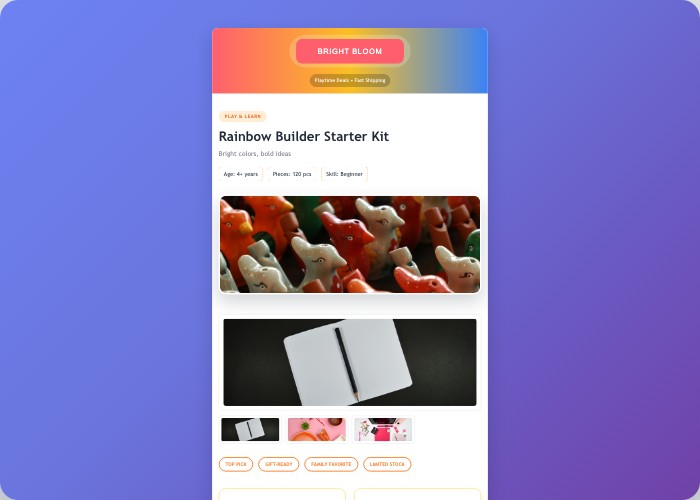
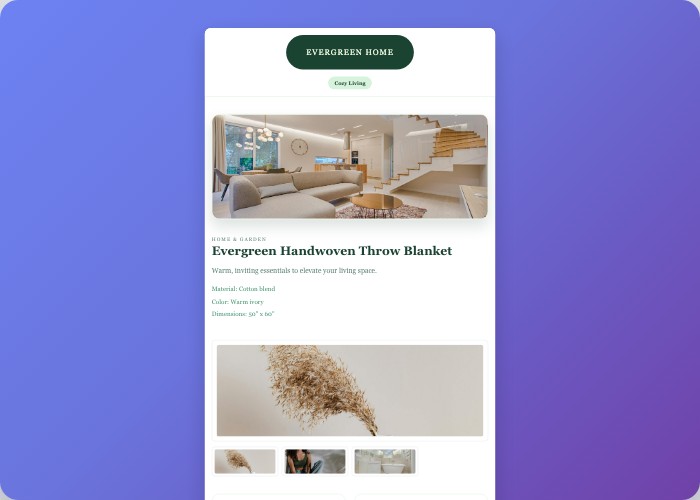
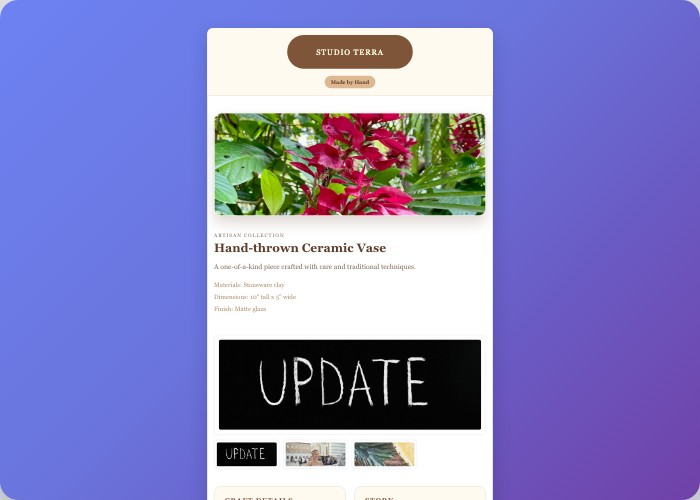
Select from professional templates designed for different product categories






How to Use These Templates in Salestio
Description Template in Salestio is a way to set a custom template for the eBay Item Description
Download Template
Select a template that matches your product category and download the HTML file. You'll receive a download link via email.
Add Description Template in Salestio
Navigate to Profiles tab → Description Templates subtab → click "Add Description template". Give it a name for internal identification and paste the template HTML code.
Insert Variables
Click the "Insert Variable" button to add predefined variables like Product Name, Product Description, Product Price, Product Qty, and Product Image. Variables are automatically replaced with your product data.
Preview and Apply
Click the Preview button and select "Random Product" to test how your template looks. Then apply the template to your eBay listings via Selling Profiles for consistent, professional descriptions.
Available Salestio Variables
Click the "Insert Variable" button in Salestio to add these predefined variables. Every variable is replaced with corresponding data from your store product.
Product Name
Inserts the product title from your store
Product Description
Inserts the full product description
Product Price
Inserts the current product price
Product Qty
Inserts the available stock quantity
Product Image
Inserts HTML code with the product image
Editor Tip
When using complex HTML templates, disable the visual editor mode in Salestio for more flexibility. The Toggle Editor button switches between visual and HTML mode.
For more information on using templates and variables, visit our documentation.
Ready to Create Beautiful eBay Listings?
Choose a template and start improving your product descriptions today
Browse Templates