Part 4: creating a T-shirt design in Printify, and where to find artwork
 Play video
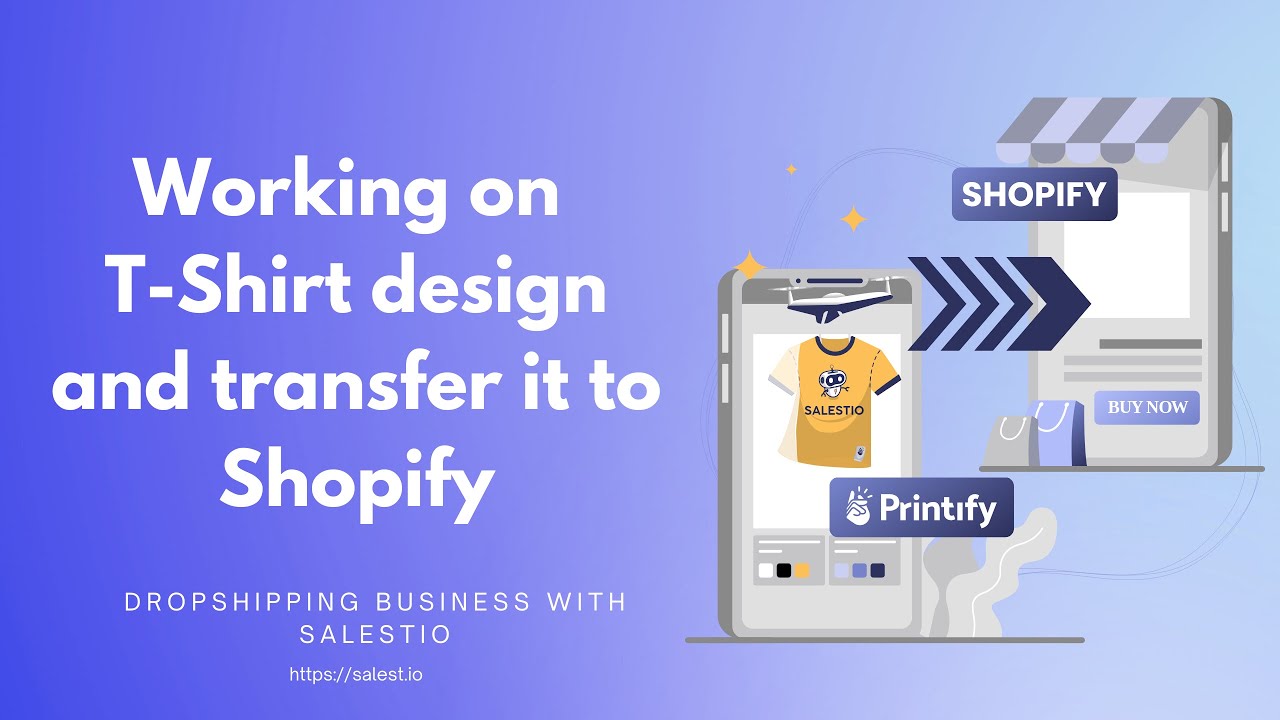
The business gets its first real product here. The video creates a T-shirt design in the Printify editor, covering placement, print area and how the mockups that buyers will see are generated.
It also answers the question every print-on-demand seller faces: where the artwork comes from. Source files you hold commercial rights to. Marketplaces act fast on intellectual property complaints, and a suspended Amazon or Etsy account costs far more than a design licence.
What you will learn
- How to create a print-ready design in the Printify editor.
- Where to find digital design files and what rights you need to sell them.
- How placement and print area affect the finished garment.
- How mockups become the listing images buyers see.
Steps shown in the video
- Choose the garment and print provider for the product.
- Prepare or source the design file.
- Position the design in the Printify editor and check the print area.
- Generate mockups for the store and marketplace listings.
- Publish the finished product to the Shopify store.


Watch next
 2:30
2:30
Part 1: the plan for a print-on-demand business
What the series builds and why: a Shopify store, Printify fulfilment, and the same products sold on Amazon, eBay and Etsy.
 10:09
10:09
Part 2: registering the Shopify store
Registering a new Shopify store, applying a base design, and going through the settings that affect selling rather than appearance.
 6:42
6:42
Part 3: creating a Printify account and connecting it to Shopify
Registering with Printify, choosing print providers, and connecting the account to the Shopify store built in part 2.
Build the same setup with your own designs
Start a free trial and connect your Shopify store to Amazon, eBay and Etsy, the stack this series builds.
Where to go next
Prefer to watch on YouTube? Subscribe to the Salestio channel for new tutorials. youtube.com/c/salestio