How to add an Amazon account to Salestio for the Shopify Amazon integration
 Play video
Every Amazon integration starts here. This short recording covers the whole authorisation path: opening the accounts screen in Salestio, being handed to Amazon Seller Central to approve access, and returning to find the account connected.
Watch it before you begin, because the approval happens inside Seller Central rather than inside Salestio. Merchants who abandon the flow halfway end up with an account that looks connected but has no permissions.
What you will learn
- Where account setup lives in the Salestio interface.
- What Amazon asks you to approve and why those permissions are needed.
- How to confirm the authorisation completed.
- How to select the regional marketplaces you want to sell in.
Steps shown in the video
- Open the accounts section of Salestio and choose to add a new Amazon account.
- Select the Amazon region and marketplace you sell in.
- Sign in to Amazon Seller Central and approve the access request.
- Return to Salestio and confirm the account shows as connected.
- Choose which marketplaces on that account you want to manage.


Questions about this workflow
Watch next
 1:14
1:14
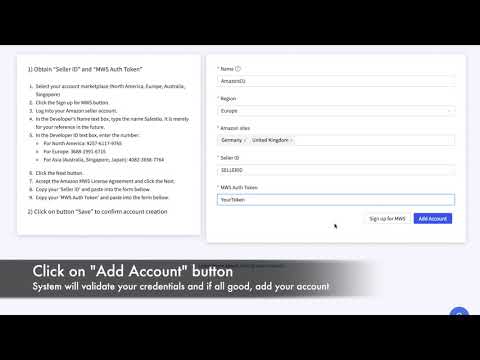
Adding an Amazon account: Shopify Amazon integration manual
The account setup manual, including the prerequisite that catches merchants out: Amazon integration needs a Professional seller account.
 0:59
0:59
Adding an Amazon account on BigCommerce
The same authorisation flow seen from a BigCommerce store, for merchants who want to check the BigCommerce screens before starting.
 3:37
3:37
Connect Shopify products to existing Amazon listings
How to match products you already sell on Amazon to the matching Shopify products, so stock and price sync without creating duplicate ASINs.
Connect Amazon to your store
Start a free trial, authorise your seller account and link your first listings, following these videos on your own catalogue.
Where to go next
Prefer to watch on YouTube? Subscribe to the Salestio channel for new tutorials. youtube.com/c/salestio