Shopify Amazon integration: connect to existing Amazon listings
 Play video
This step decides whether moving to an integration is painless or expensive. Your Amazon listings carry history, reviews and ranking. Recreating them from scratch throws that away and can leave you competing against your own duplicate ASIN.
The video covers the linking flow. Salestio reads the listings on your Amazon account, you match them to the corresponding Shopify products, and from that point your store's stock and price update the existing listing.
What you will learn
- Why linking beats re-listing when you already sell on Amazon.
- How Salestio finds the active listings on a connected Amazon account.
- How to match a listing to a store product when the SKUs agree, and when they do not.
- How to verify that a linked listing is driven by your store.
Steps shown in the video
- Open the connection screen for your Amazon account in Salestio.
- Review the active Amazon listings Salestio has found on the account.
- Match each listing to the corresponding Shopify product, by SKU where possible.
- Confirm the links and check that quantity and price now come from Shopify.
- Repeat for any listings whose SKUs do not match automatically.


Questions about this workflow
Watch next
 0:53
0:53
How to add an Amazon account to Salestio
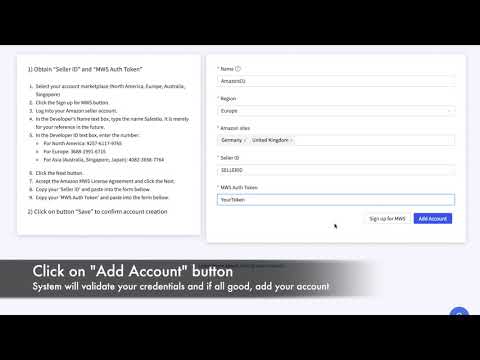
The complete account authorisation flow in under a minute, from the Salestio accounts screen to an approved Amazon connection.
 1:14
1:14
Adding an Amazon account: Shopify Amazon integration manual
The account setup manual, including the prerequisite that catches merchants out: Amazon integration needs a Professional seller account.
 0:59
0:59
Adding an Amazon account on BigCommerce
The same authorisation flow seen from a BigCommerce store, for merchants who want to check the BigCommerce screens before starting.
Connect Amazon to your store
Start a free trial, authorise your seller account and link your first listings, following these videos on your own catalogue.
Where to go next
Prefer to watch on YouTube? Subscribe to the Salestio channel for new tutorials. youtube.com/c/salestio